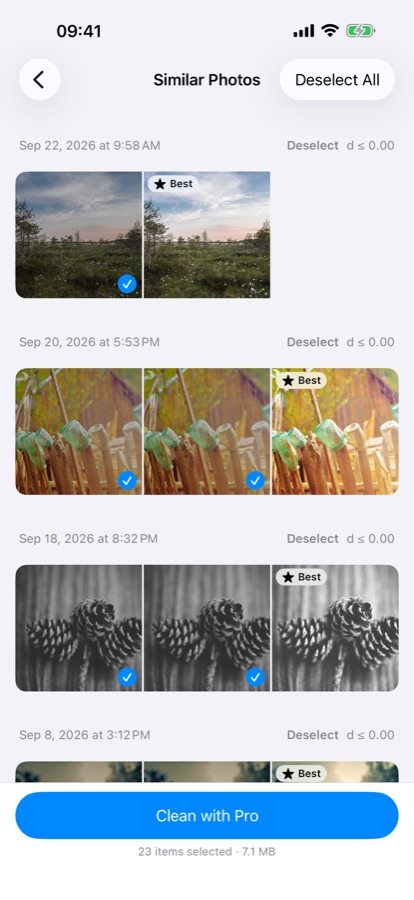
Similar shots, best one marked
Bursts and near duplicates are grouped. The best frame is marked, the rest are ready to clear.
 Freeroom
Get the app
Freeroom finds similar shots, old screenshots, blurry photos and large videos. You review them, Apple asks you to confirm, and nothing else happens behind your back.

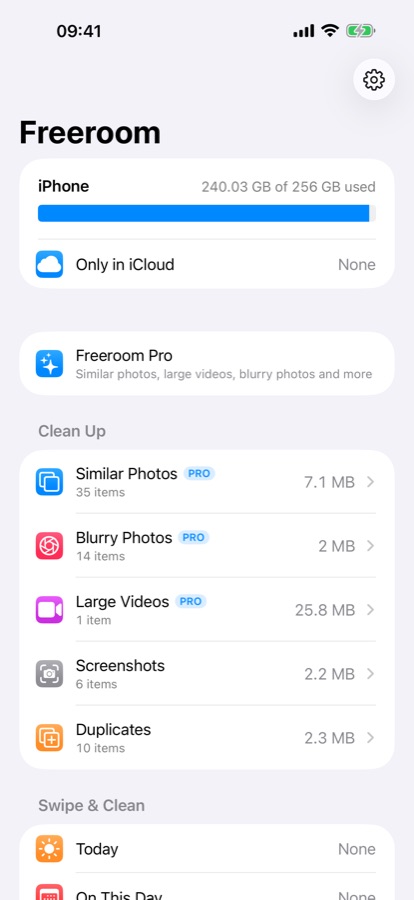
Each tool shows you what it found before anything moves. You pick, Freeroom does the tedious part.
Bursts and near duplicates are grouped. The best frame is marked, the rest are ready to clear.
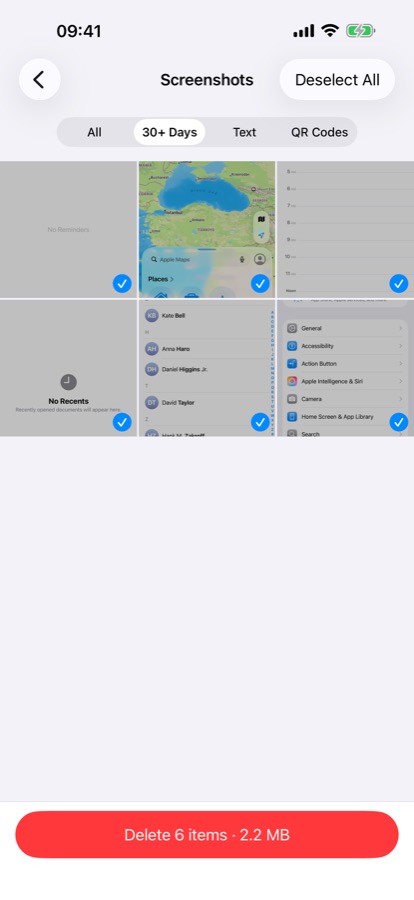
Filter by age, by text or by QR codes. Tickets and receipts from last year don't need to live in your camera roll.
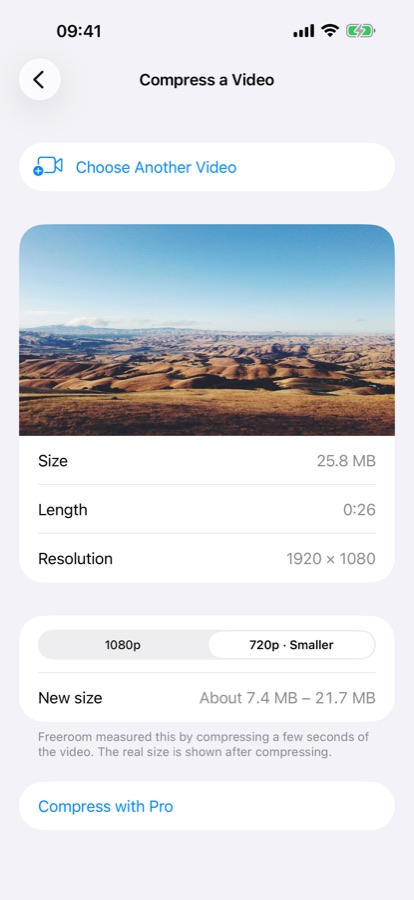
See an estimated size first, save a 1080p or 720p copy, then decide whether to keep the original.
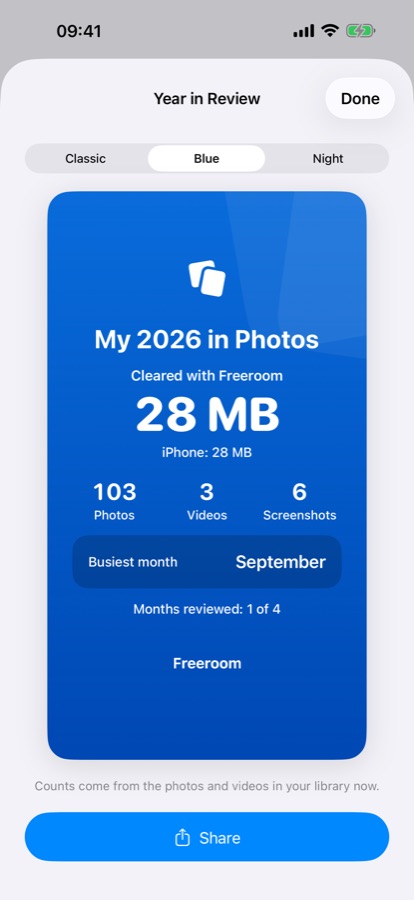
Go through 2026 one month at a time. At the end, share a Year in Photos card with your real counts. It contains no photos.
New in 1.3
Freeroom is built around what iOS already does well. No server sees your library.
Similar, blurry, text and QR detection run on your iPhone. Your photos are not sent to any server.
Every delete goes through Apple's own confirmation. Deleted items stay in Recently Deleted for 30 days.
What clearing frees on your iPhone and what it frees in iCloud are shown separately, never mixed.
In the US, Pro is $11.99 a year with a 3 day free trial, or $1.99 a month. Other countries see local prices in the App Store. There is no weekly plan.
Write to support@severdayan.com. We usually reply within two business days.
To manage or cancel a subscription: Settings → your name → Subscriptions on your iPhone.
To bring back something you deleted: Photos → Albums → Recently Deleted (within 30 days).